♟
Live opening-book matching
As you play, the panel filters to the openings and variations still reachable from your exact position - by move order and by transposition.
 OnBook Chess
beta
OnBook Chess
beta
 Desktop chess opening trainer
Make moves on the board and the Opening Books panel narrows to the lines you're still in — telling you the moment you go off-book, which variation you were in, and how to continue. Then drill it from memory.
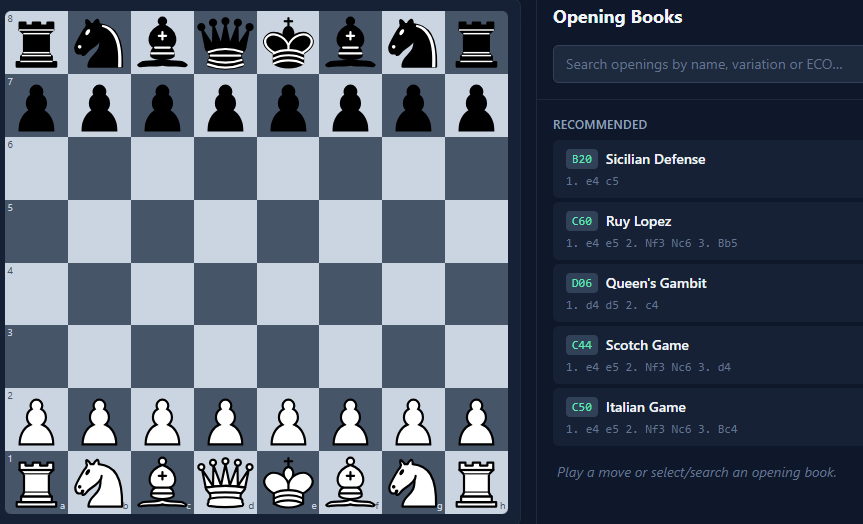
Not a database dump - a focused trainer that reacts to every move.
As you play, the panel filters to the openings and variations still reachable from your exact position - by move order and by transposition.
Leave known theory and you're told exactly where - “Off-book after 6. h3. Last book move: 5…a6 in the Najdorf” - then keep playing freely.
Click any move in a line and the board steps through it ply-by-ply, so castling, en-passant and undo all stay perfectly correct.
See the named variations branching from here, with the next book moves as one-click chips. Generic labels never hijack your “active opening”.
Toggle on-board arrows — green for the main line, orange for alternatives with a count of how many lines run through each.
Optional sign-in to favourite openings and variations, save custom lines, and sync them. Guest play always works, fully offline.
The Practice tab turns study into active recall. Pick a line or an opening and put your memory to the test.
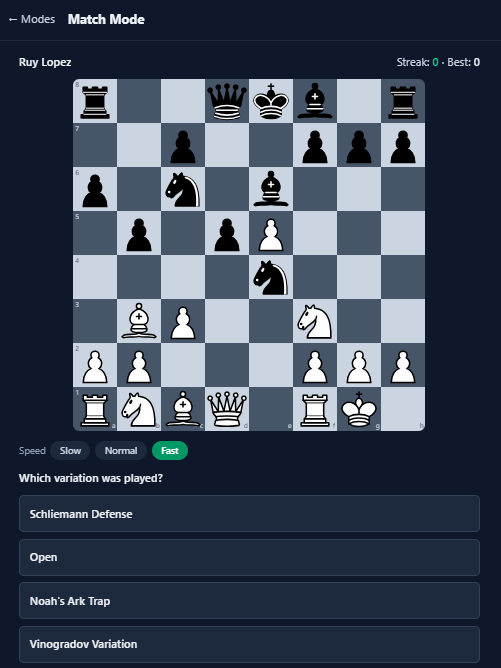
Built to keep you focused on the position in front of you.
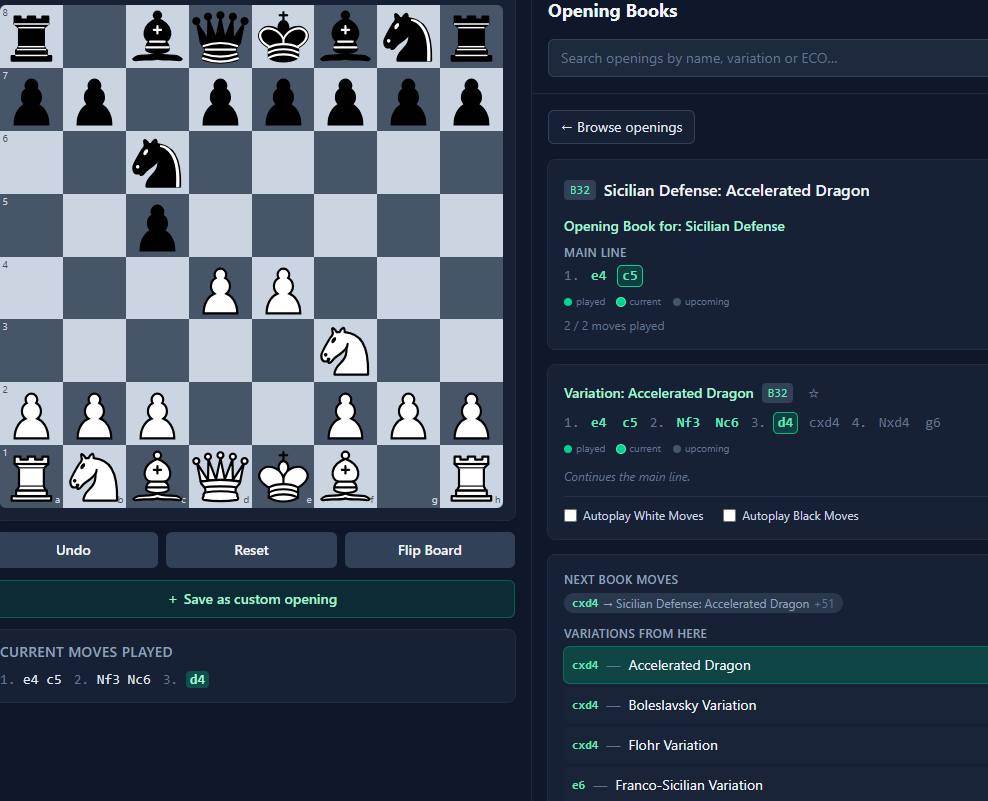
The selected variation shows played, current and upcoming moves, the next book moves, and every variation branching from the position - with optional autoplay for either side.
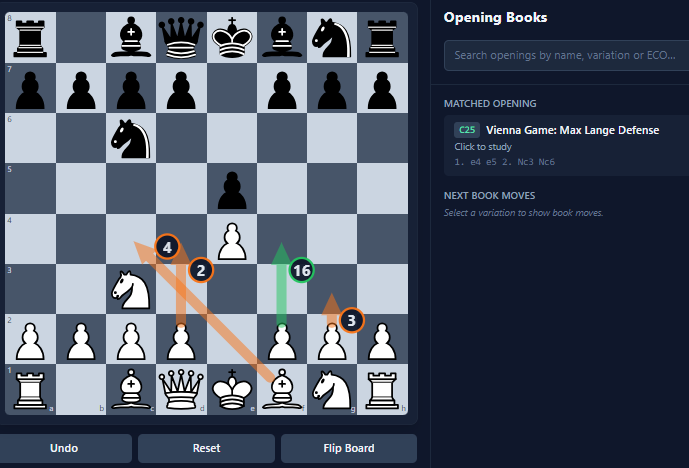
Guide arrows point out the main continuation and the alternatives, while the panel locks onto the matched opening only once the position is specific enough to mean something.
A standalone Windows desktop app. The full opening database is bundled, so it works offline - no setup beyond the installer.
Download for Windows (.exe)OnBook Chess is still in testing. Some features may change and you might hit bugs - feedback is very welcome.
The beta isn't code-signed yet, so Windows SmartScreen may warn you. Click More info → Run anyway to continue.